LinkBack URL
 About LinkBacks
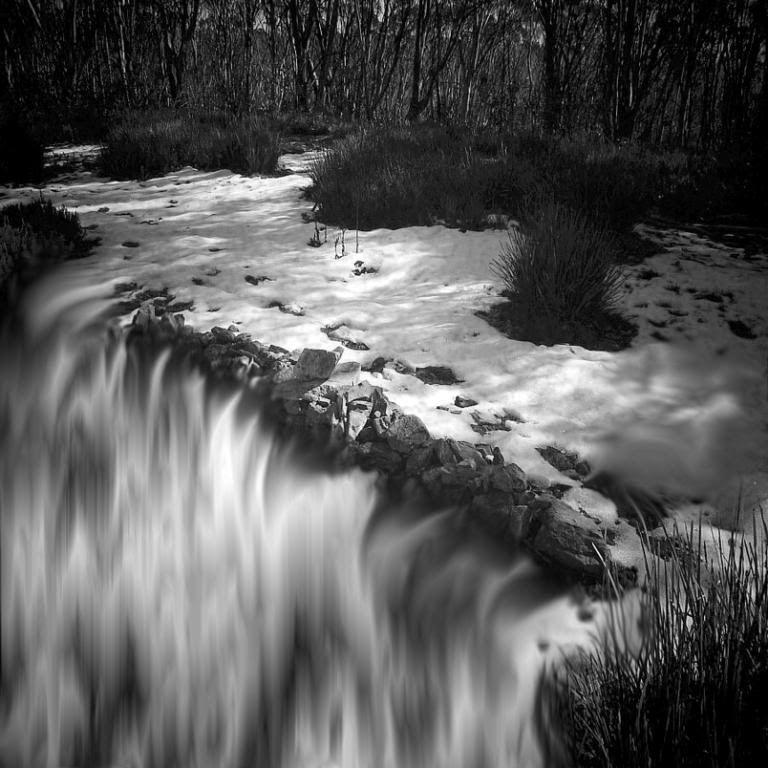
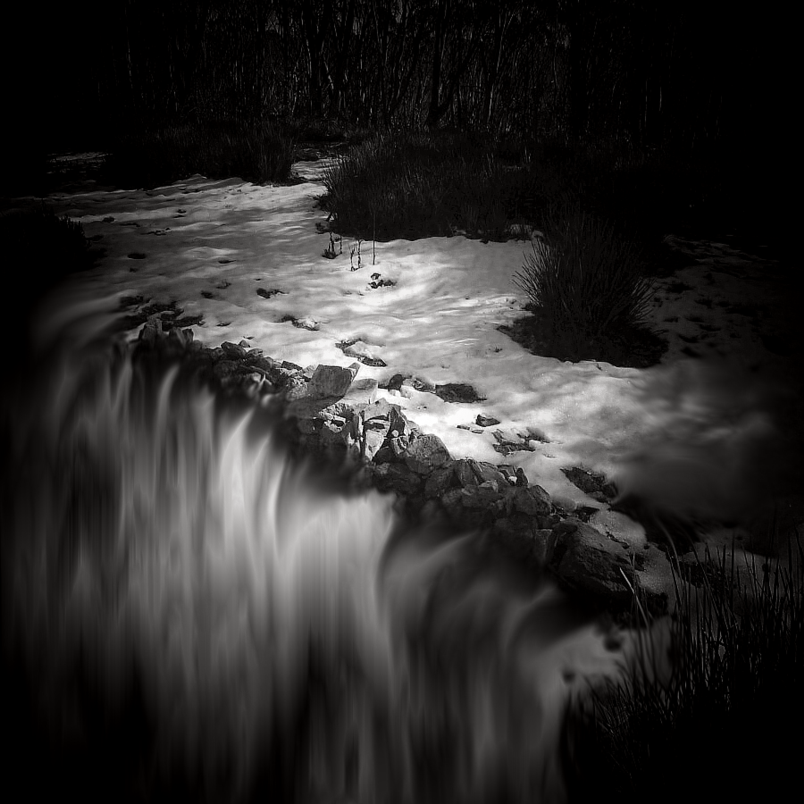
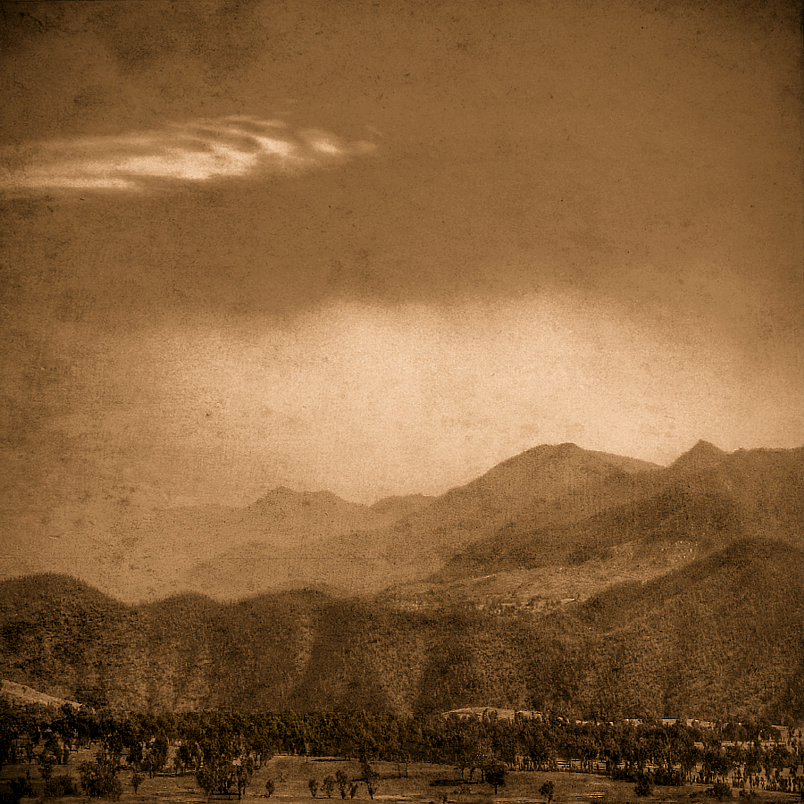
In this image I want to portray that in the sub alpine ridge country near my home, what little water that falls as snow is very slight and only falls basically in the catchments. What little falls is all taken eventually by just a couple of greedy power companies or huge corporate farms. I have an on going theme about the lack of fresh water here in Australia and how it has been corruptly or negligently over allocated or stolen at the expense of the environment. Those who know my landscape work will see that my underlying theme rarely changes about water stress.
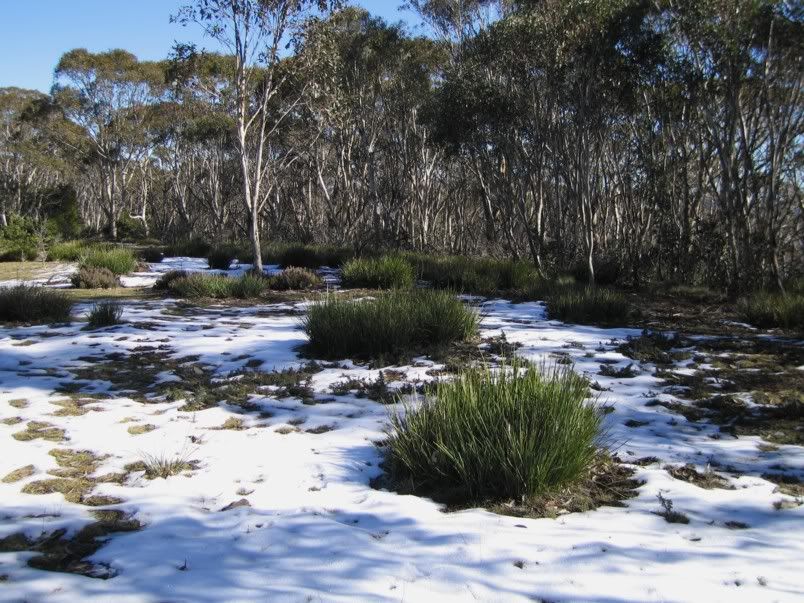
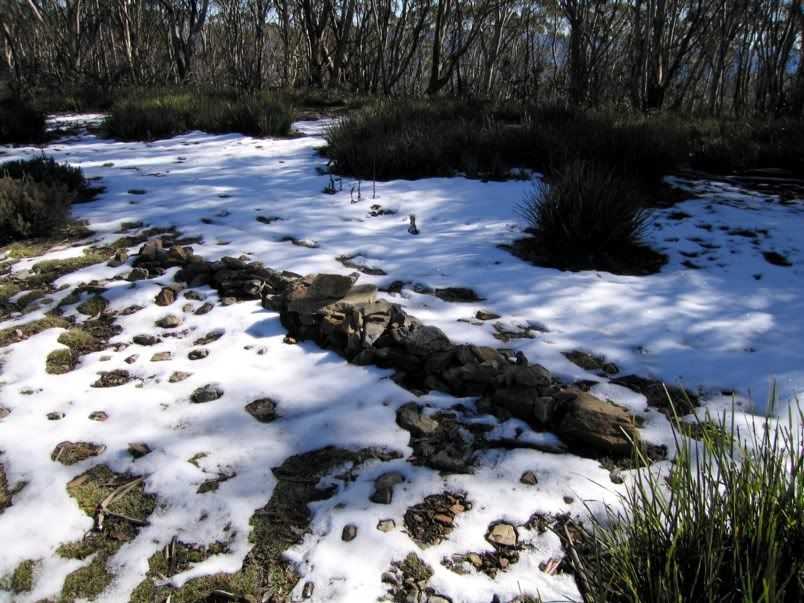
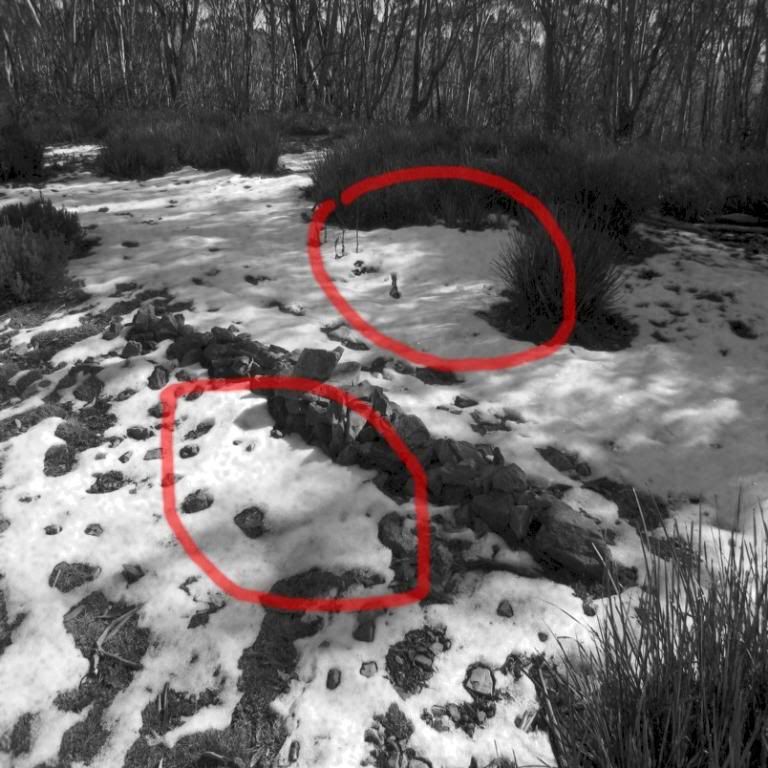
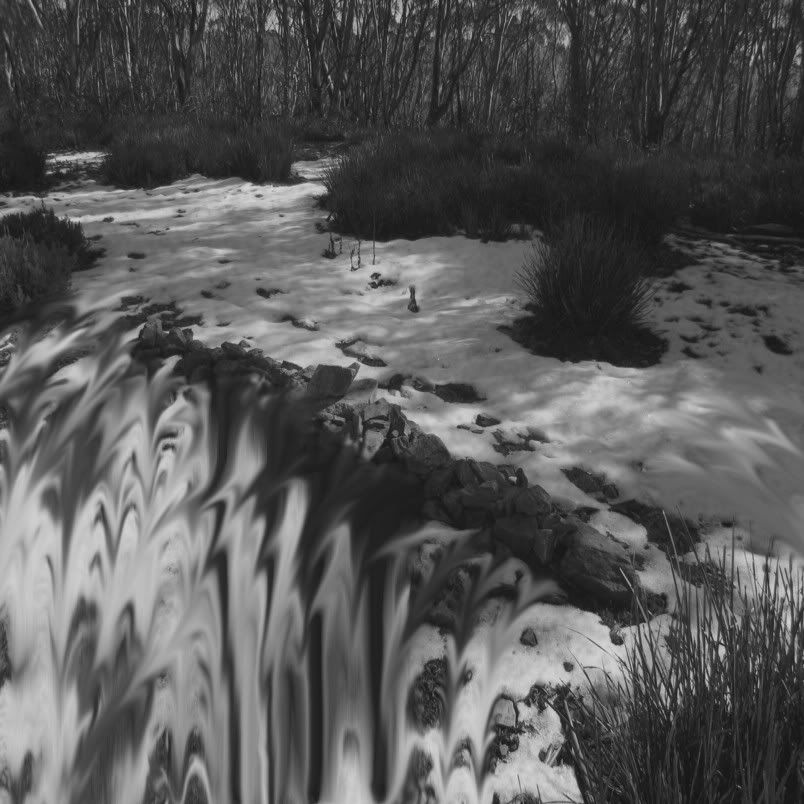
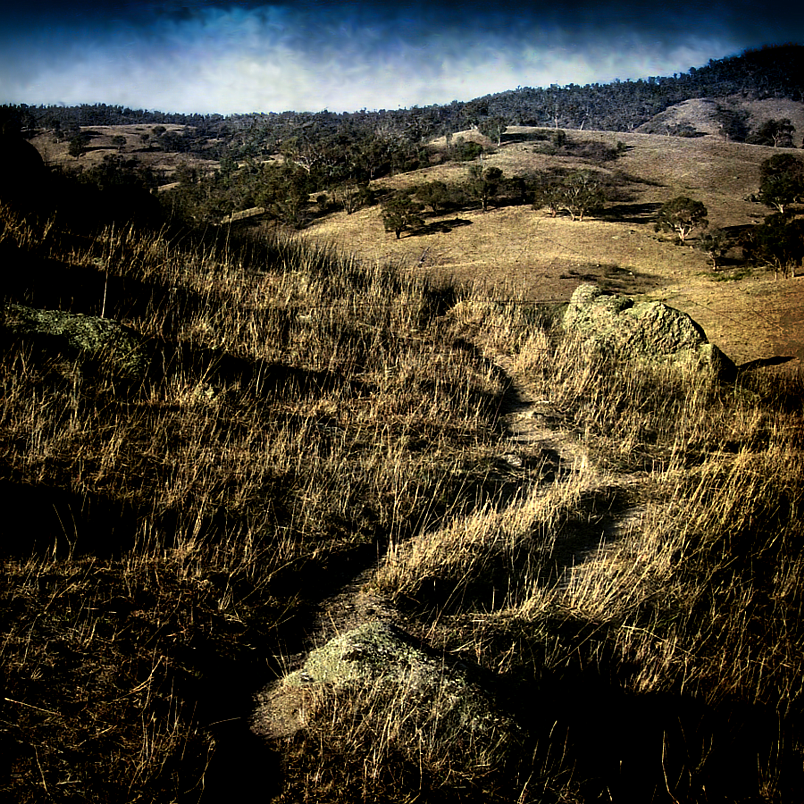
The original photographs in this manipulation are very basic and show the Snow Gum tree line and subalpine grasses and the stone cairn which is the historic border surveyed during 1902-05 between the Australian Capital Territory and New South Wales. Surveyed when the alpine rivers were allowed to run free.
Left of the cairn the water runs North and East into the Cotter catchment or to the right, it runs South and West into the Goodradigbee catchment. The grasses in the photograph were vital materials to the Old People (the Aboriginal people of the district). The main long grass Lomandra or commonly called Iron Grass which was used for making baskets and strings for ropes and twines for fish nets. There are no native fish in these catchments now except for maybe the extremely rare and protected Native Black Fish and the tiny Galaxis ... all other species that required good flows have now gone extinct, in my district. That is the general background for the image ... but the real background is, that the environment benefitting greatly from the thaw as it once did, is now just an illusion.
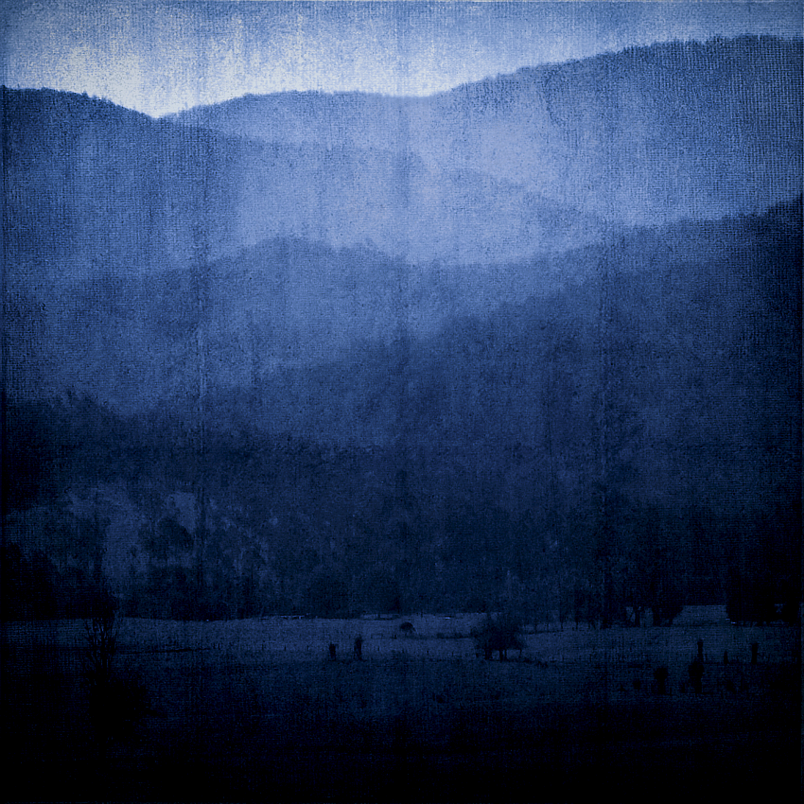
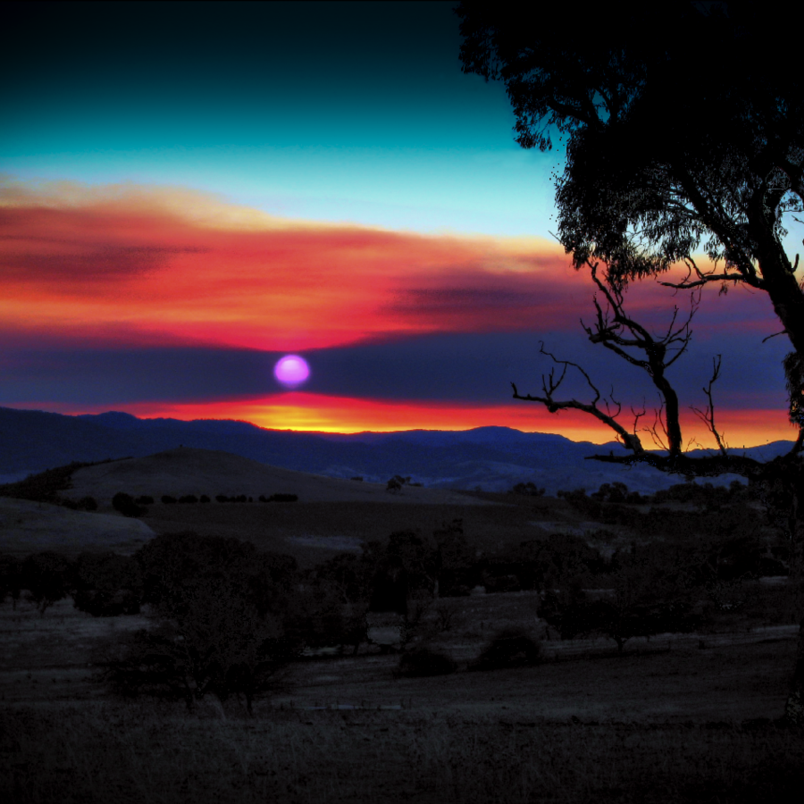
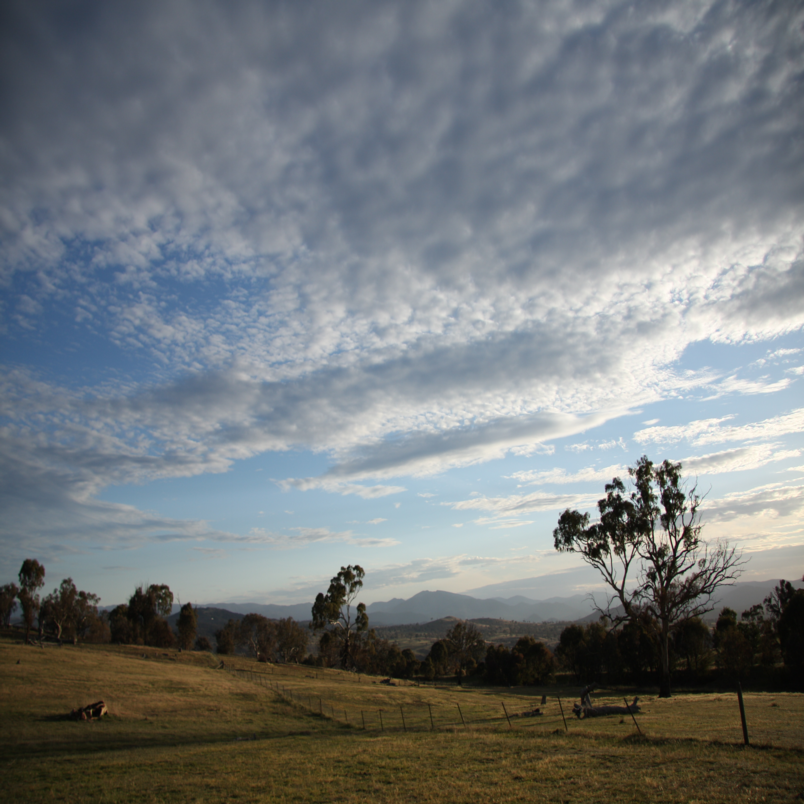
The first image was not used in the photo manipulation ... it is just an archetypal image of the subalpine country around my neck of the woods.
The historic stone cairn is the place where the waters divide.
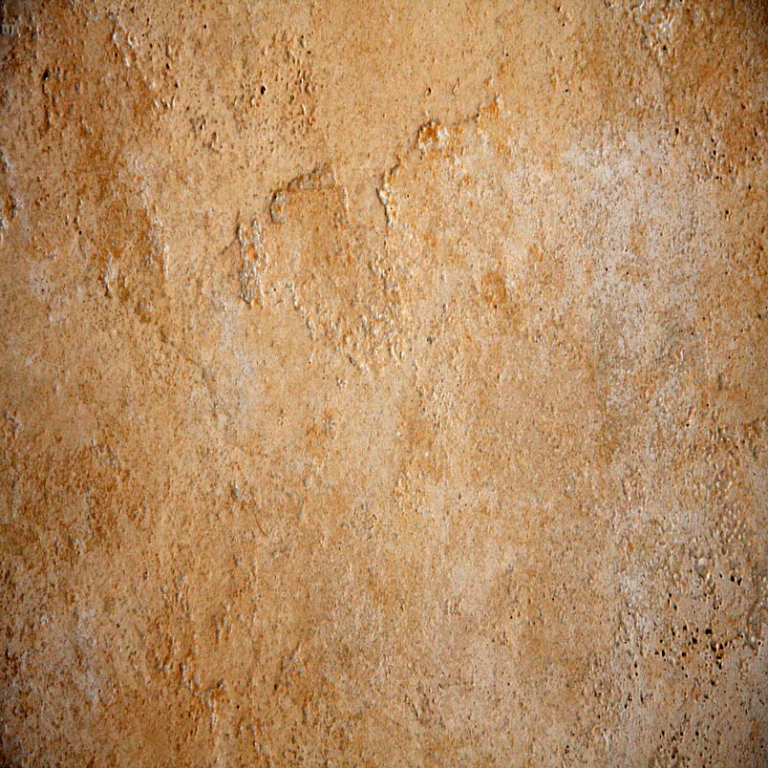
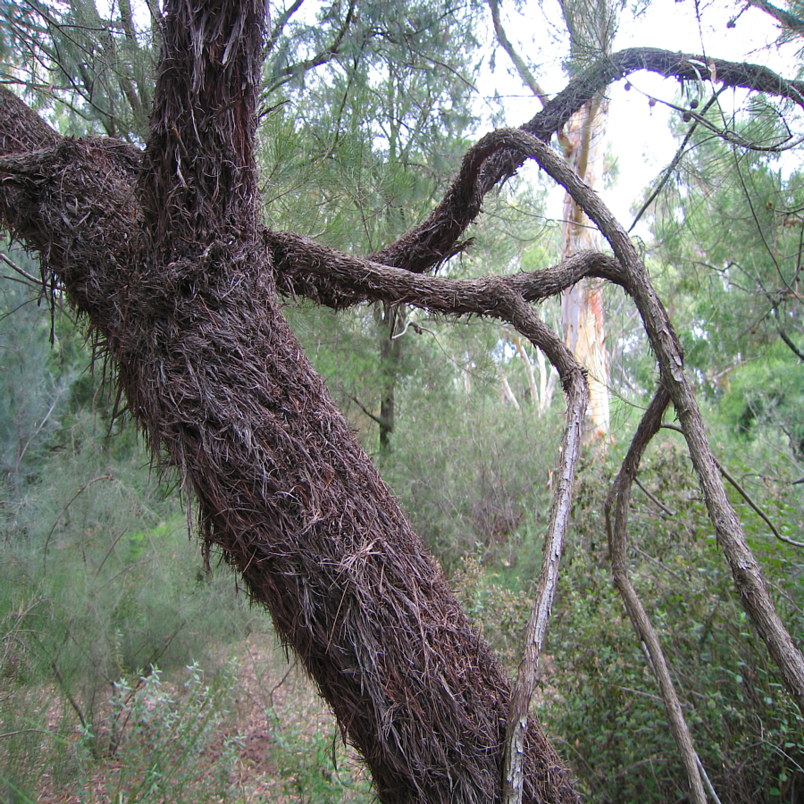
The ground where I live is like concrete. One of my US friends who came to visit said that where I live is "scary dry". So the third image is of a ceramic floor tile with about the same hardness and with the same water retention as the dirt around here.
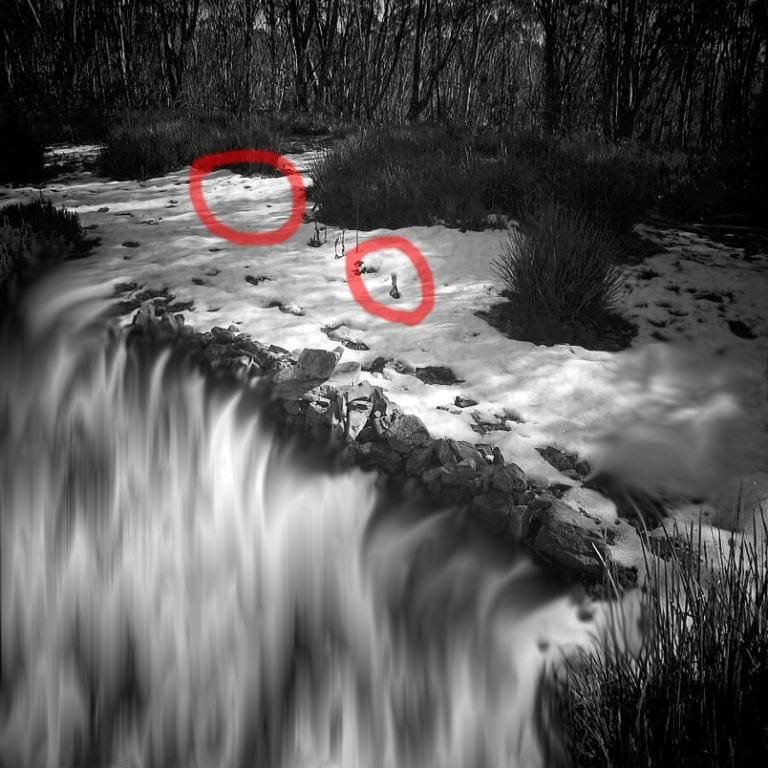
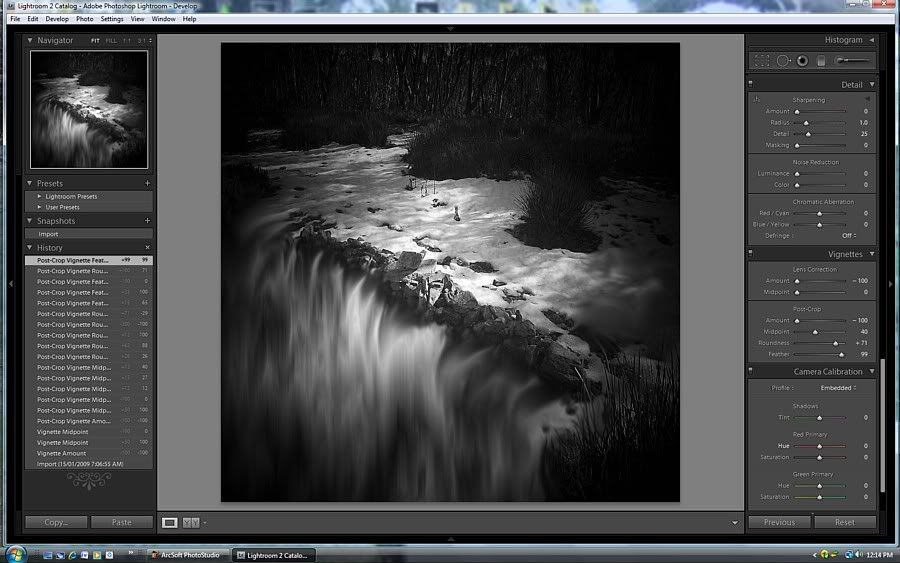
Now to link the 2nd and 3rd images together and show the main stages in the build.

 Reply With Quote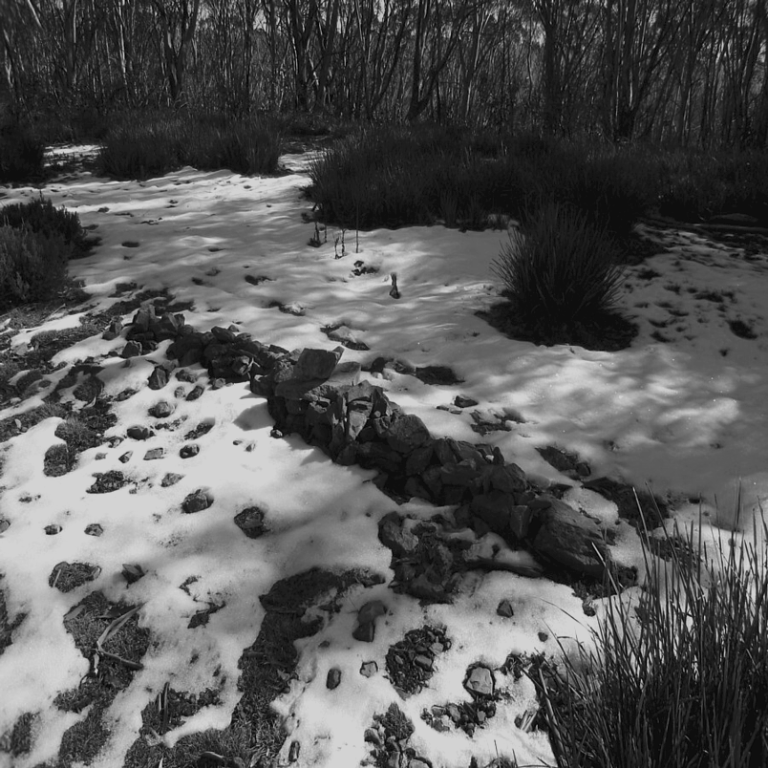







 ffice" />
 Originally Posted by Wild Wassa